The most powerful Pinterest downloader ever made.
Pin Toolbox is a Google Chrome extension for Pinterest power users, that lets you download or print full-resolution images & videos in bulk from any board.
+ Add to ChromeDesktop Chrome browser required.⚡️ Features 🦸♀️
YOUR NEW PINTEREST SUPERPOWERS
📁 Bulk-download entire Pinterest boards
📁 Bulk-download entire Pinterest boards
Pin Toolbox can download 1000s of your full-resolution Pinterest images & videos to a single .zip or .pdf on your computer. Saving you time and letting you get back to what you love.
🖼️ Print any Pinterest board
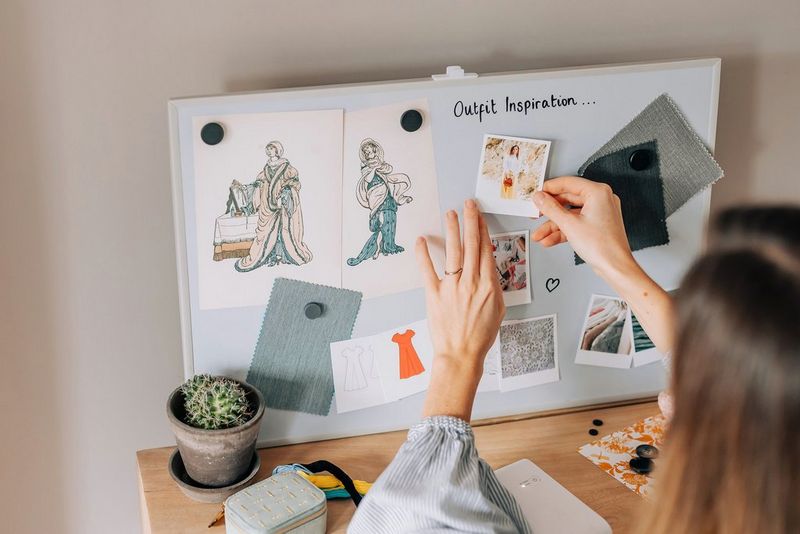
🖼️ Print any Pinterest board
Pin Toolbox can generate print-ready PDFs for you - so you can get your moodboards printed and out into the real world. Easily, with no fuss.
🤖 Automatic file naming and numbering
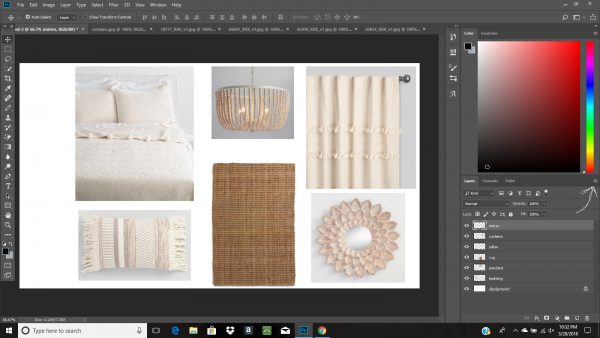
🤖 Automatic file naming and numbering
Pin Toolbox automatically gives your files descriptive names, and numbers them. For example, 1. Orange Curtains.jpg and 2. Dance Video.mp4. It makes editing your images in Photoshop, or chopping videos in Premiere, a breeze. Hello, no-hassle editing.
How to install Pin Toolbox

Pin Toolbox works with the Google Chrome web browser on Mac or PC.
To get started you can install it from the Google Chrome Web Store.
It’s free to try in feature-limited demo mode. See the pricing page for more info.
Try Pin Toolbox for free 👇
+ Add to ChromeDesktop Chrome browser required.Working with a team? Explore the Teams plan
What our users say
“Pin Toolbox is quickly becoming my new favorite tool for my trend and design consulting business.”


“Great service, easy to use! This saves me HOURS in downloading images.”


“Hugely time-saving app and well worth the fee. Added bonus was quick customer service response.”


5-star average from Pro users
Read 280+ reviews on the Chrome Web StoreFrequently asked questions
Need any other help? Check out the User Guide or .
Can I try Pin Toolbox first?
Yup! Pin Toolbox has a free demo mode limited to 15 pins. After you try it, you can optionally upgrade to the Pro version, which allows unlimited downloading.
Does Pin Toolbox download videos too?
Yes! Pin Toolbox downloads full size videos in their original quality. And you can choose to download only the images or only the videos too.
Can I download particular sections only?
Yup, you can filter your pins by section and bulk select one or more sections, and also filter by just images or just videos. You can also download sections as nested folders - a neat feature we added recently. (Try it out by enabling it in advanced settings!)
How long will it take me to download my pins?
It really depends on how big your board is, and how fast your wifi is. If it's a board of around 500 pins and they're images, it should be a few minutes. If it's a really big board (5-10k+) it could take 30 minutes to an hour. This is because Pin Toolbox always downloads the full size images and videos.
How to cancel my Pin Toolbox subscription?
You can cancel anytime through Pin Toolbox itself. When you're Pro, you'll see settings on the top right of the Pin Toolbox window, and you can cancel anytime from there. And you're free to rejoin anytime you need it 🙂